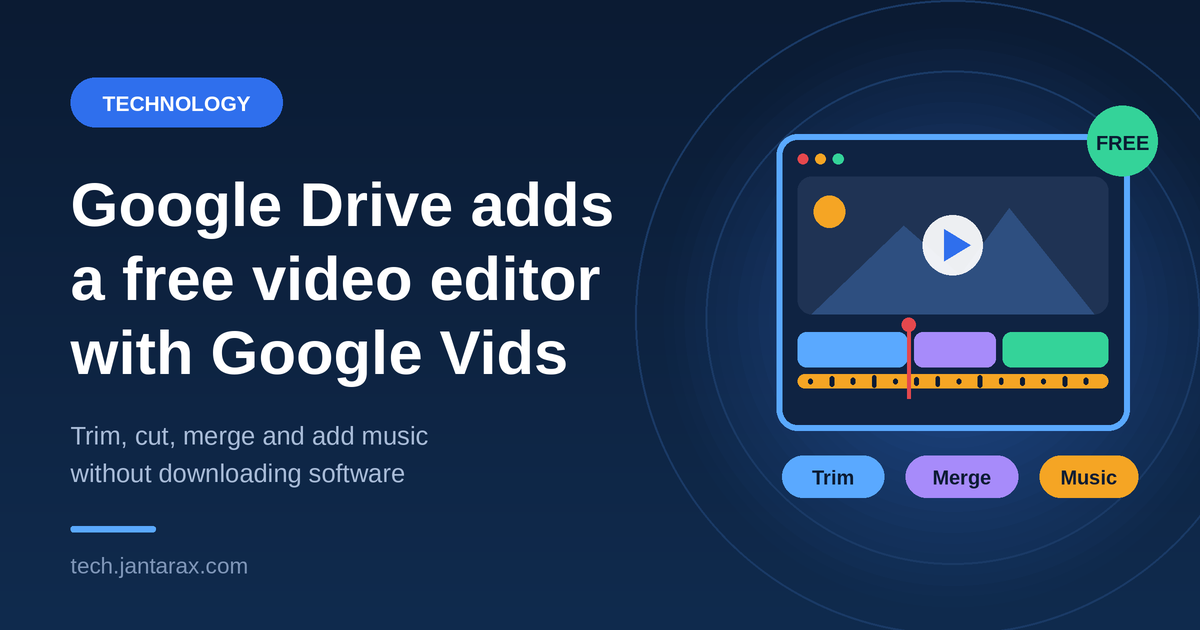
Editing a video usually means downloading software, moving large files around, and learning a complicated app. Google wants to remove those steps. According to a report from Wired, Google has built a free video editor called Google Vids into Google Drive, so you can edit your videos right where you store them.
Here is a simple guide to what was reported, what the editor can do, who it helps, and what to watch for. For more tech guides, explore our Technology and Gadgets sections at Jantarax Tech.
What Is Google Vids?
Google Vids is Google’s video creation and editing tool. It is part of the company’s productivity suite, which also includes Docs, Sheets, and Slides. The idea is to make video as easy to work with as a document or a slideshow.
Google Vids is not entirely new, since Google introduced it earlier as part of its Workspace apps. What the Wired report highlights is the integration into Drive, which puts editing a click away from your stored videos. Check Google’s official announcement for exactly what has changed and who can use it.
Why Does Editing Inside Google Drive Matter?
Google Drive is where many people already keep their files. Moving the editor into Drive can save time and effort in several ways:
- No extra downloads. You do not need to install a separate editing program.
- Fewer file transfers. Your video stays in Drive instead of moving between apps and devices.
- Easy sharing. Once your video is done, you can share it using the same links and permissions you use for other Drive files.
- Access from anywhere. An online editor can work on different computers without setup.
For many everyday projects, such as a short school presentation or a quick product clip, this convenience may matter more than advanced features.
What Can You Do With the Editor?
Based on the report, the editor is expected to let users:
- Trim the start and end of a clip.
- Cut out parts in the middle.
- Merge several clips into one video.
- Add text such as titles and captions.
- Add music to set the mood.
These are the basic tools most people need for simple videos. The source does not mention advanced options such as detailed color adjustment, multi-track audio, or special effects, so do not expect professional-level editing without confirmation from Google.
Who Will Benefit Most?
Educators. Teachers can trim lesson recordings, combine clips, and add captions, then share the result with students through Drive.
Marketers. Small teams can make quick product demos, social clips, and announcements without buying software.
Content creators. Beginners can assemble simple videos and learn the basics before moving to advanced tools. Our guide on how small businesses are saving time with AI shows how teams are already speeding up everyday work.
Everyday users. Anyone who wants to tidy up a family video or phone recording can do it without technical skills.
How Might You Try It?
The source does not give exact steps, and the layout can change as Google updates its apps. In general, you can expect something like this:
- Open Google Drive and find the video you want to edit.
- Look for an option to open it with Google Vids or an editing button.
- Use the tools to trim, cut, or merge clips.
- Add text and music if you want.
- Save and share the finished video from Drive.
If you do not see the feature yet, it may still be rolling out. Availability can depend on your account type and region.
Things to Keep in Mind
Free and simple tools are useful, but a few points are worth checking:
- Feature limits. An editor built for quick edits may not replace a professional program for complex projects.
- Storage space. Videos can be large. Check how much Drive storage you have, since edited videos may use it up.
- Sharing settings. Before sharing a video, check who can view it. Avoid making private footage public by mistake.
- Music rights. If you add music, make sure you have permission to use it, especially if you plan to post the video online.
- Privacy. Review what data Google collects when you use its tools. Videos can include faces and voices.
- Account security. Use a strong password and two-step verification, because Drive may hold personal and work files. Our Cybersecurity section covers how to protect your accounts.
The Bigger Trend
Google’s move reflects the growing demand for video. Businesses, schools, and creators all rely on video more than ever. Productivity suites are adding editing and AI tools so people can create richer content without leaving their workspace.
Competition is active here too. New startups are also rethinking how work documents are created, as we covered in our story on a former Meta director’s plan to take on Microsoft Office and Google Workspace. Our Artificial Intelligence section follows how AI is changing everyday tools like these.
What Happens Next?
As the feature rolls out, users can expect updates and improvements based on feedback. Google may add more tools to make editing smoother. People are encouraged to try it and share their thoughts so the tool can improve.
Things to watch include:
- Rollout timing and which accounts get access first.
- New features such as templates, stock media, or AI help.
- Storage and export options for different video formats.
- Reviews from teachers, marketers, and creators.
Frequently Asked Questions
What did Google add to Drive?
A free video editor called Google Vids, according to a report from Wired.
Is it free?
The report describes it as free. Check Google’s official page for any limits or paid options.
What can I do with it?
Trim, cut, and merge clips, and add text and music, based on expected features.
Do I need to download anything?
No. The goal is to edit videos without extra software.
Who is it for?
Educators, marketers, content creators, and everyday users who want simple edits.
Can it replace professional editing software?
For quick, simple edits, maybe. For complex projects, professional tools still offer more control.
Conclusion
Putting a free video editor inside Google Drive is a practical step toward making video editing more accessible. For simple projects, it can save time and remove technical barriers. As more people use Google Vids, its features and impact on content creation will become clearer.
For more updates, learn about Jantarax Tech or contact our team with tips and feedback.
- tech news
- Google Drive
- Google Vids
- video editor
- free video editing
- Google Workspace
- productivity tools
- content creation
- online video editor
- Wired